
Let's talk Security
Learn how Cuppi protects your home data with features like remote member suspension, biometric locks, 2FA, and strict permission gates for Child accounts.
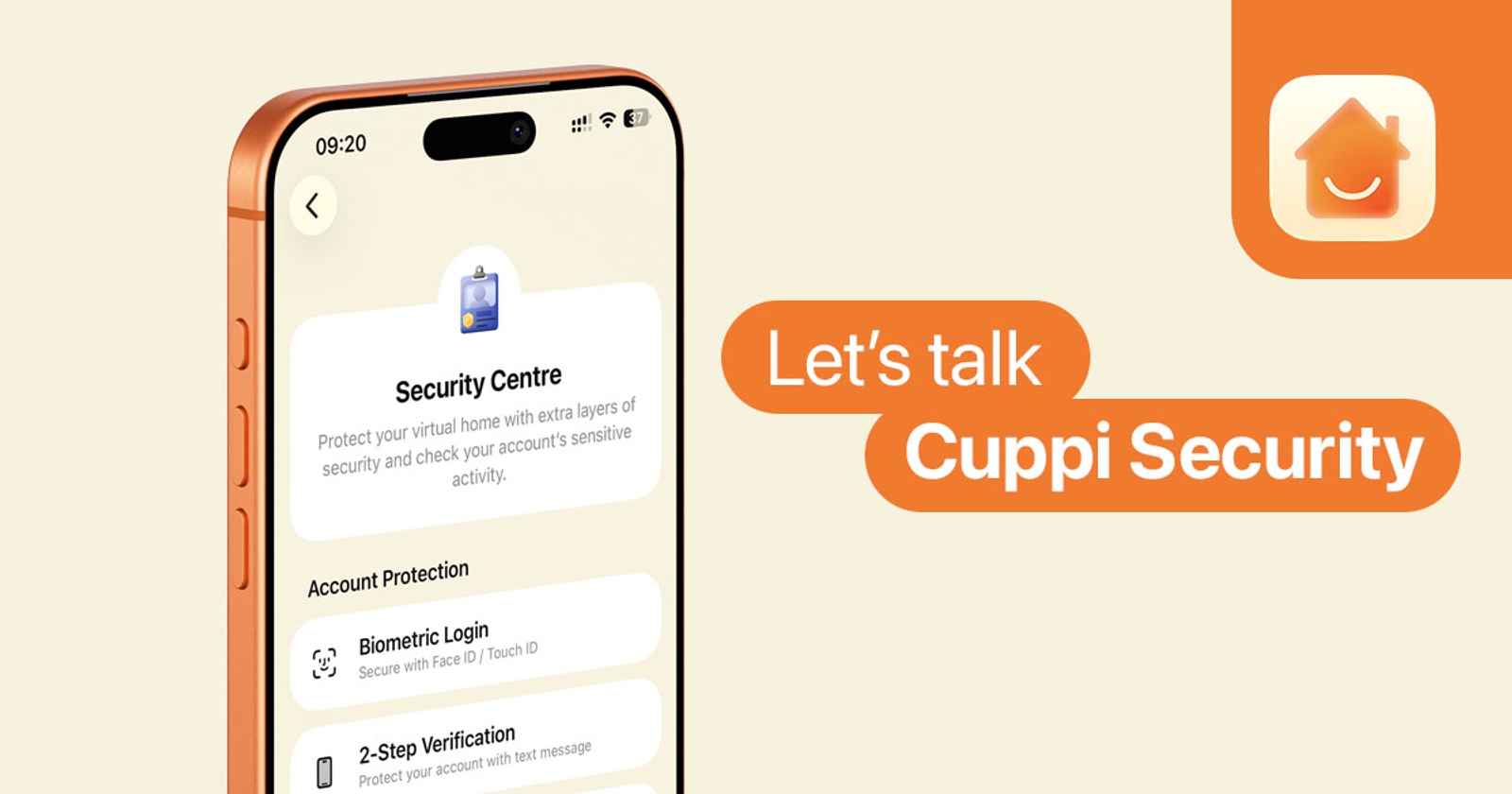
At Cuppi, we have invested extensive development time into fine-tuning our infrastructure to protect your most sensitive asset: your home data. This guide highlights the essential security features we recommend activating to safeguard your household in an emergency.
Household Member Suspension
"My phone getting stolen? It would never happen to me..." These are often famous last words. We are prepared for these worst-case scenarios. If an Adult or Child user’s phone is stolen, household Owners can immediately disable the account and trigger a remote wipe of all Cuppi data from that device’s local storage. This ensures that even if the hardware is compromised, your household data remains inaccessible. You can find the step-by-step suspension guide in our Help Center.
Note: If an Owner’s device is lost, please contact us immediately via our website or the "Message Support" page in-app. After identity verification, we will take immediate action to secure your account.
Biometrics and PIN
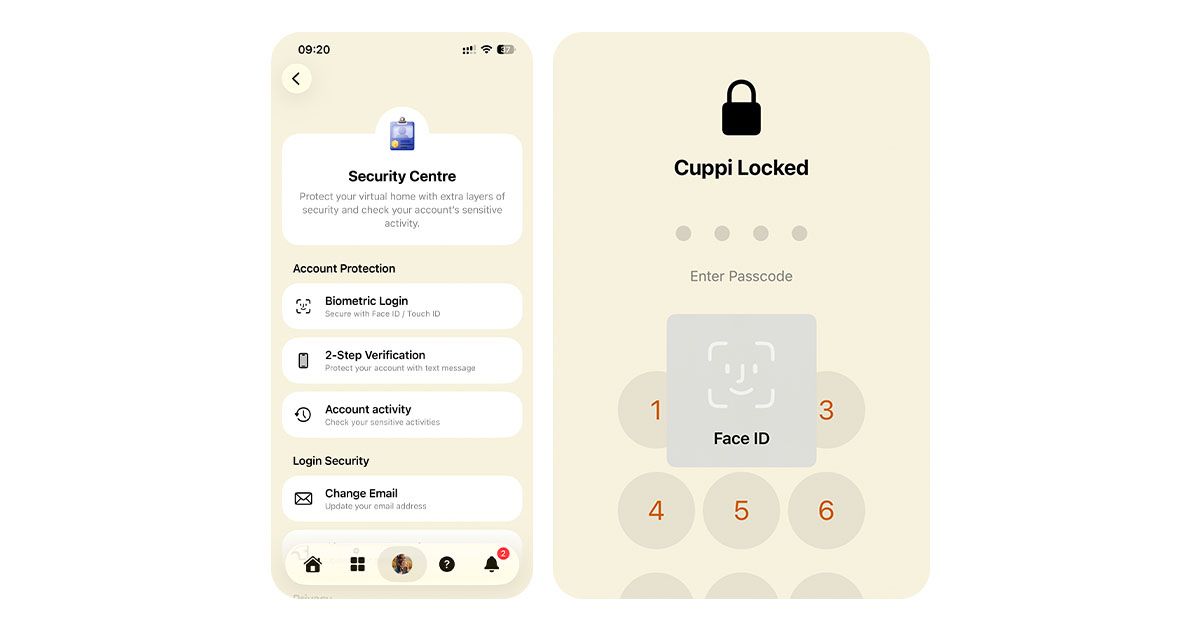
You can activate Face ID / Touch ID, with a PIN to add a personal layer of security to your Cuppi account. Once enabled, Cuppi will automatically lock after being in the background for 5 minutes, requiring re-authentication to resume use. This is your primary defense against unauthorised local access.
Two-Step Verification (2FA)
During account setup, you are encouraged to configure two-step verification via an Authenticator app. You can use Apple’s built-in Passwords feature or third-party apps like Google Authenticator or Microsoft Authenticator. This generates a rotating six-digit code required for sign-in, providing a vital safeguard for accounts registered via email.
Activity Log
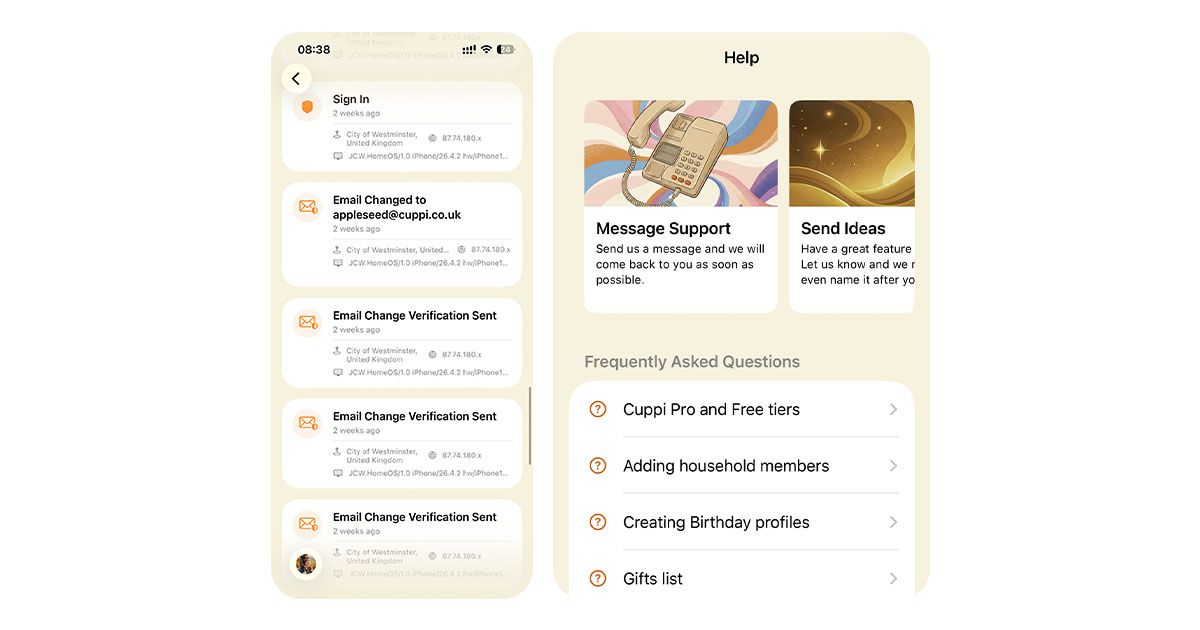
Cuppi maintains a detailed Activity Log for sensitive account actions. Events such as sign-in attempts, 2FA configuration, or household deletions are recorded alongside masked IP addresses, estimated locations, and device metadata. This allows you to audit your account's history and identify any illegitimate activity.
Email and Password Security
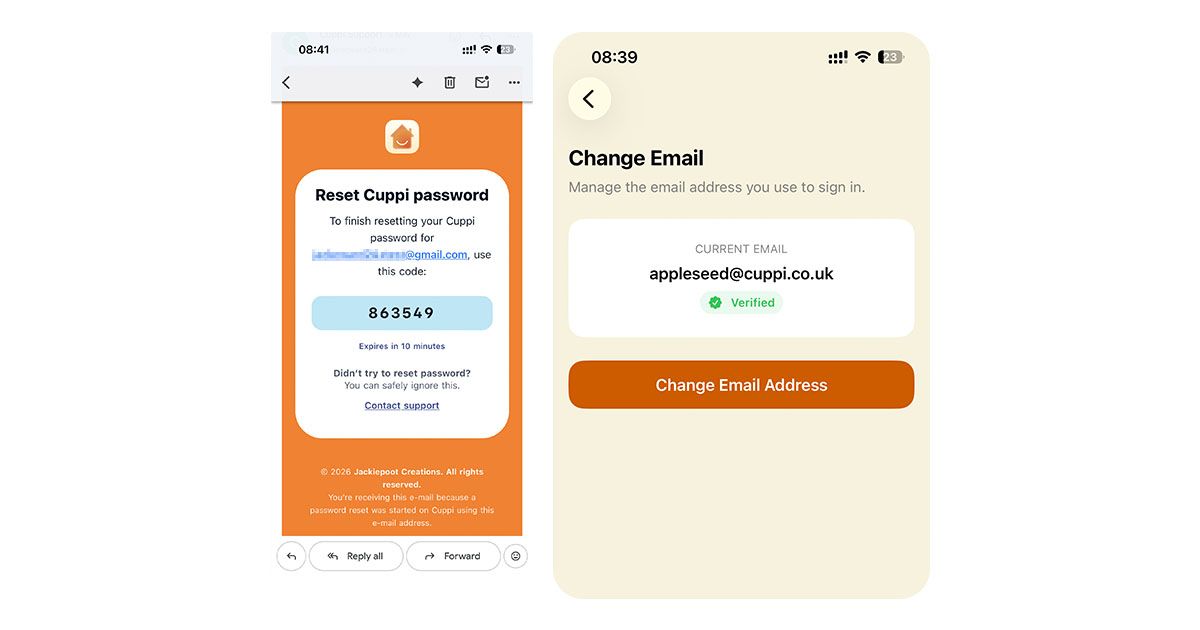
We require verification for all email and password changes. For Child accounts, we have implemented an additional security layer: an Owner must explicitly grant permission before these changes can be initiated. Furthermore, these requests are bound by a strict countdown timer; once it expires, the change is blocked automatically on the Child’s device.
Blocking and Reporting
To ensure a positive environment, you can block Home Feed posts from specific household members if necessary. Additionally, if you encounter content that violates our standards, you can report it directly to our moderation team for review.
Policy Violations
In accordance with our Terms and Conditions, we reserve the right to block accounts found to be misusing the platform. In extreme cases involving illegal activity, we will cooperate with local authorities to ensure the safety of our community.
Security for Everyone
We believe security should not be a luxury. We are proud to offer these robust protections to all users, without hiding them behind a paywall. We highly encourage every household to utilise these tools to protect their family data.